1. 6. 2016 v 14:03, Christian Rößler <chr_rossi@kartan.de>:
| --name 5@testmine_03.testmine
yields an error: | therion: error -- testmine.th2 [10] -- survey does not exist -- | testmine_01.testmine -- station does not exist -- 2@testmine_01.testmine
If I shorten this to --name 5@testmine_03 it works.
Each survey is the namespace. The easiest way how to name stations is, if you input .th2 file in the survey where surveying data are. Then is enough to use only name of station itself - 5 or 2, ...
I have read in the wiki, that (obviously) two stations are necessary to compute the scale, but if I do that in each scrap, the resulting pdf is heavily distorted, very much so in the free-drawn scrap. I have not found out how to add, as Martin wrote, manual calibration (scale), bit frustrating.
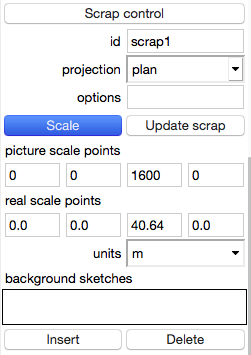
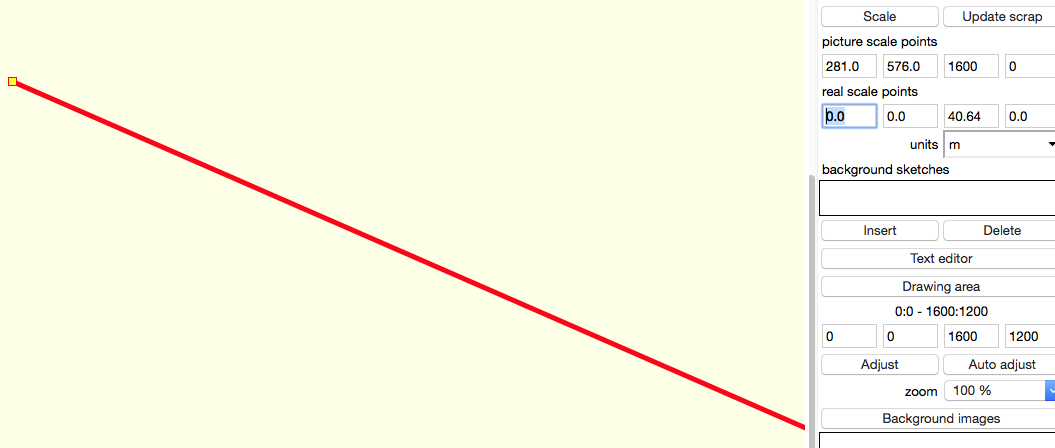
In scrap section of edit window is button Scale. Press it and click on your working canvas on known point - a red rectangle with thick red line should appear. Then click on other known point and there should be second red rectangle and that red line connects both of them. Under button scale are pairs of coordinates - above coordinates measured (in pixels) bellow the correct relative values in meters or inches. m.s. after first click after second click and filling correct coordinates