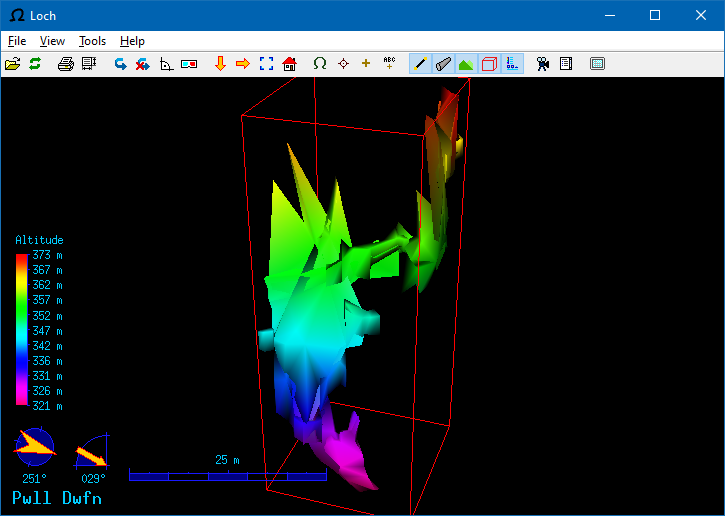
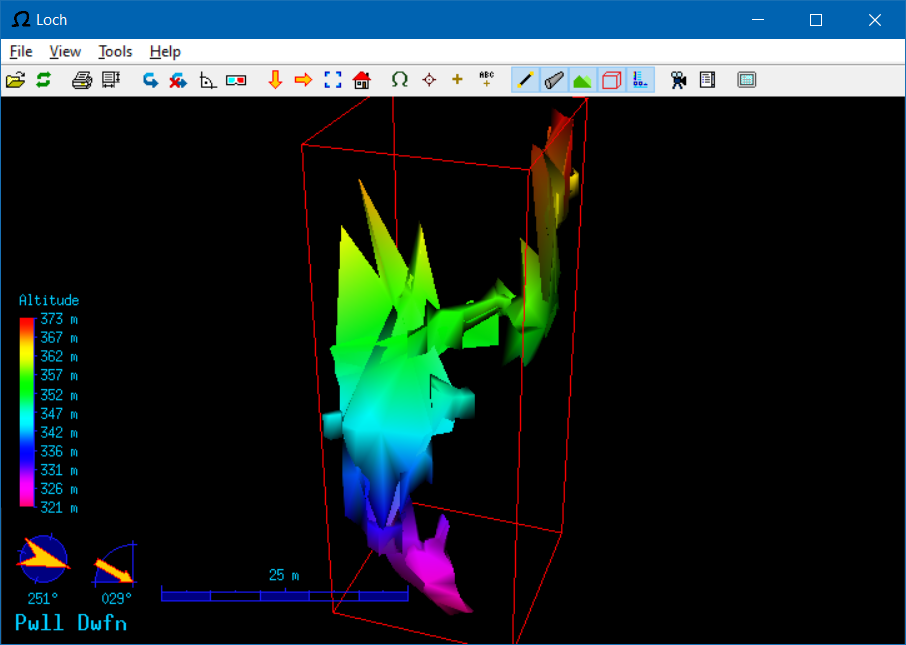
Could you please post some screenshots to illustrate your problem with the size of controls? On Mar 7, we made some changes for HiDPI displays, but they should affect only rendered controls, not UI buttons.
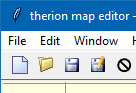
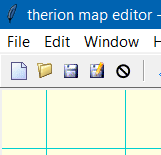
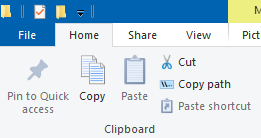
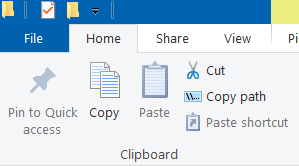
Attached screenshots, taken at 100% and 125% scaling in the Windows 10 settings. The 100% one looks great. The menu has crisp fonts with sub-pixel antialiasing. The UI buttons have clean lines (zoom in on the printer icon to see it). The altitude text is very crisp and clear. The bounding box and edge of the cave are crisp and clear The 125% one looks blurry. Everything mentioned above has been scaled to 125% in the same way as if I had taken a screenshot, put it in my image editor, scaled it to 125% with interpolation, then softened it slightly to make the lines blur into the background a little more (I tested this!). Everything in the cave part looks darker. The effect is really uncomfortable. It makes me feel like I need better glasses, but the whole point of scaling is to avoid needing them. None of my other applications do that. There really was no need to scale the cave at all, since it is a vector graphic. XTherion, on the other hand looks great both ways! (Because it does not attempt to scale the UI buttons.) Windows Explorer seems to have button images that are naturally 125%, and get scaled down at 100% (yes, that was weird). The effect is really subtle, and looks great either way. It uses a different font size, so the text scaling is immaculate.
On Mon, 20 Jun 2022 at 22:38, Tarquin Wilton-Jones via Therion <therion@speleo.sk <mailto:therion@speleo.sk>> wrote:
The UI buttons and general graphics look really fuzzy though. I think that is all releases since 6 or 6.1, because Therion now respects the Windows scaling "Change the size of apps and text on the main display". Can I disable that in Loch by any chance? Because Loch does not do it nicely at all.