27. 6. 2021 v 18:31, Tarquin Wilton-Jones via Therion <therion@speleo.sk>:
But maybe I am also wrong, and Therion might have some very cool functionality I have never seen. No doubt one of the highly experienced users will confirm either way.
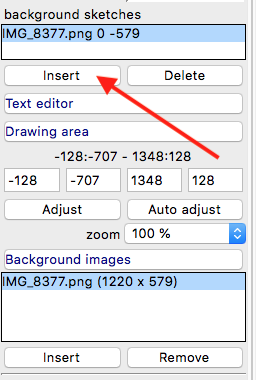
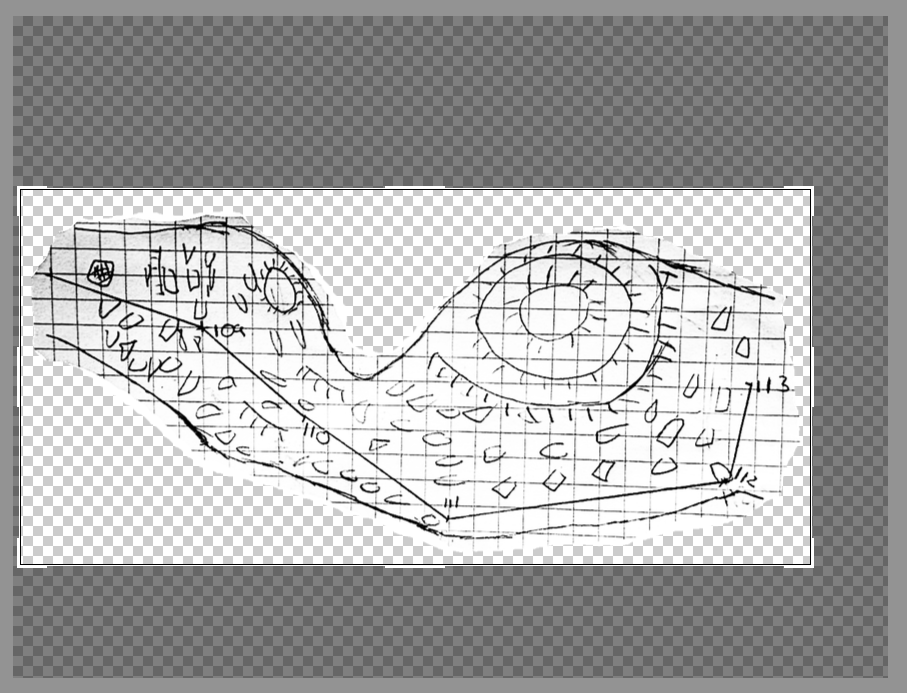
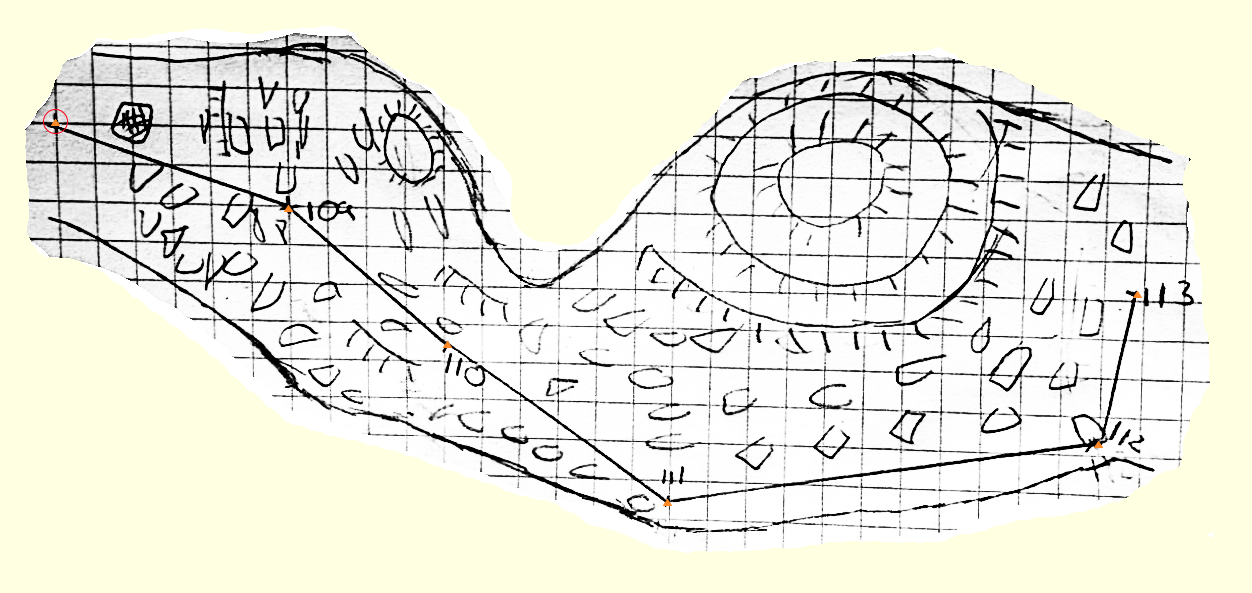
I standard situations you are right. But there could be situations time from time, where sketches are not in scale and very bad quality too. In such case morning of background sketches may help much. I attached an archive of Thorsten’s example with morfed sketch. Main trick there is to insert in scrap mode (click on scrap icon with arrow in upper right corner) the “background sketches” with simple click on an unwarped sketch in map editor window. 1. insert an image to Background image field 2. create scrap 3. add minimally 2 stations to your scrap 4. optional you may add “extra” points with option -value nn Such “extra” point therion will use to modify difference between nearest station and position of “extra” point in sketch while warping. 5. insert Background image to background sketches field. 5. export xvi image with option in layout "sketches on" To enhance contrast of your example sketch, to crop it, to erase white space around sketch and export .png file with transparency I used online photo editor Pixlr E. https://pixlr.com <https://pixlr.com/> You may erase overall image with 50% eraser to create 50% transparent background image too. The layer with edited image must be unlocked in such case. In Therion map editor: Martin