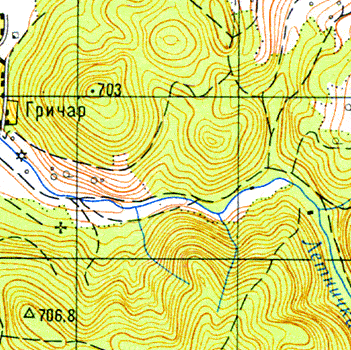
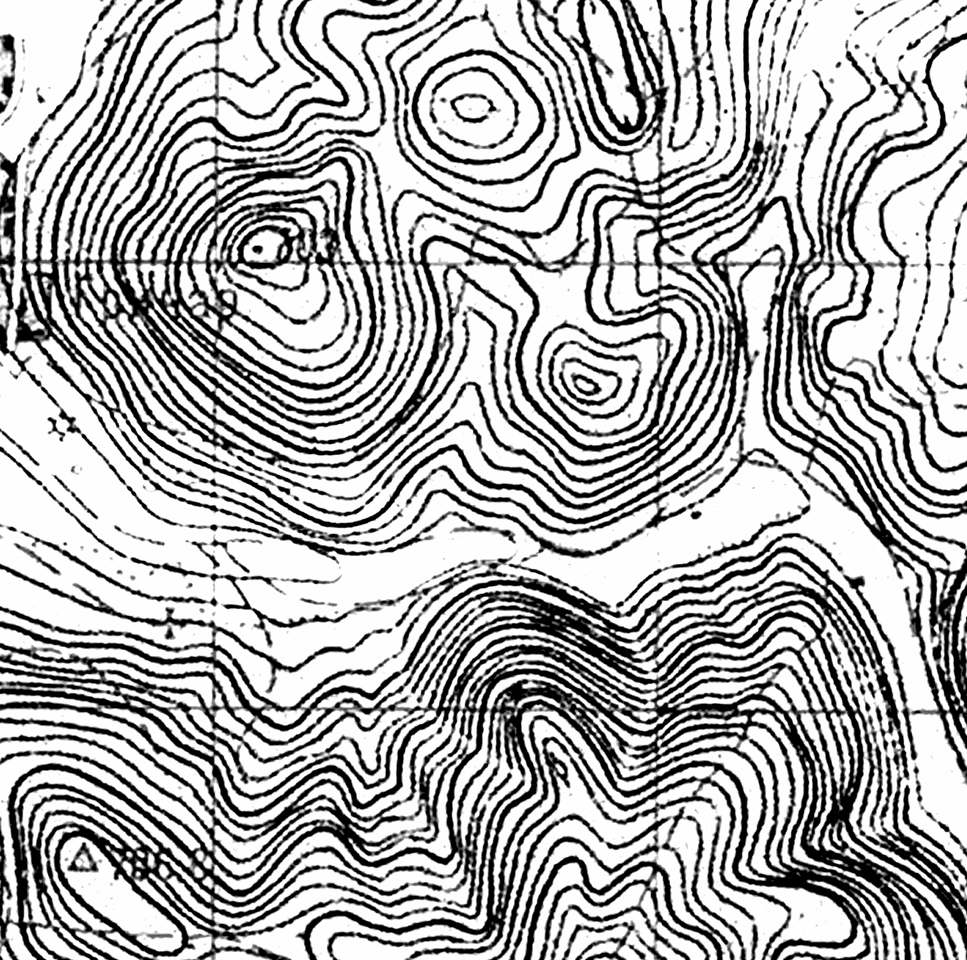
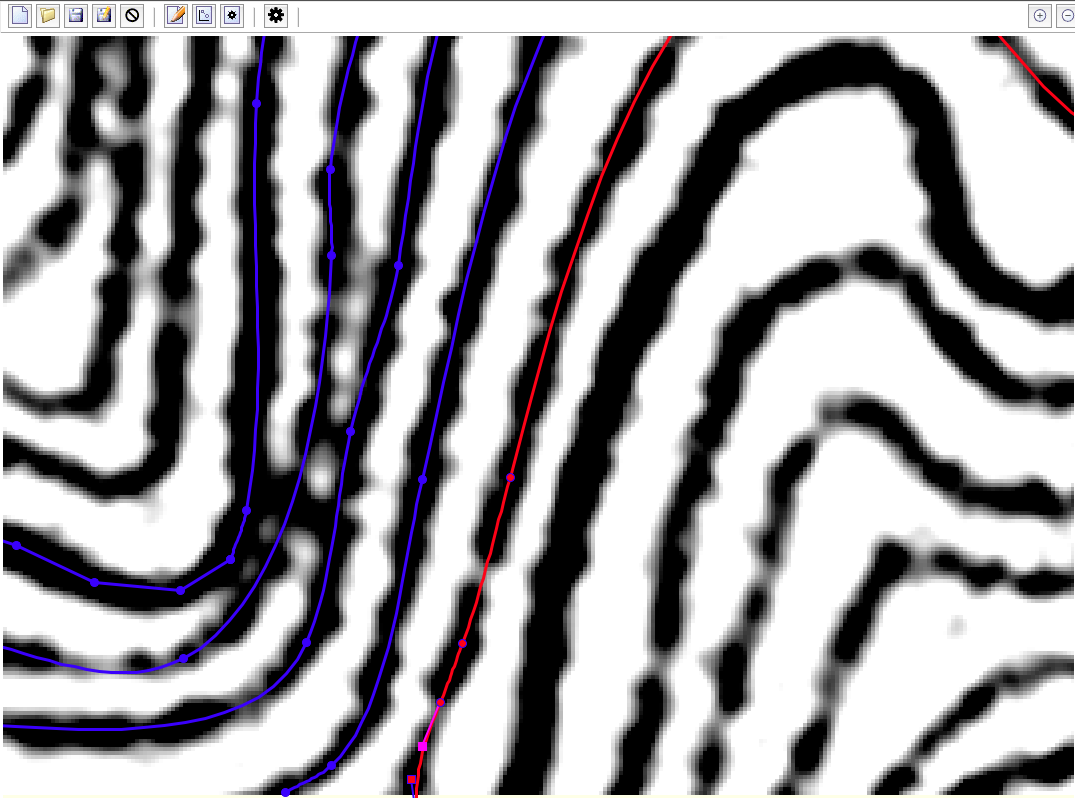
Example of Stacho's tracing of contours. Original RGB map scan (72 dpi) was oversized to 360 dpi (less dpi could be enough) and converted to greyscale by Channel Mixer (R -max, G +max, B +max, Monochrome checked) both in Photoshop or GIPM. One should play with Constant in Photoshop or with histogram after ChM in GIPM. Theory: http://www.blackandwhitedigital.com/Convert/coloraltering/Channel_Mixer/CMix... http://www.blackandwhitedigital.com/Convert/coloraltering/Channel_Mixer/CMix... m.s. On 8.6.2012, at 7:36, Sluka Martin wrote:
On 8.6.2012, at 0:18, Bruce wrote:
Generally it does between 0 and 5 extra points then stops, sometimes with the last point at an acute angle to the general trend of the line.
what about manually edit line points and press "Continue tracing"?
Sometimes that worked for me. Unless there is a 'trick' it seems easier to just draw manually. A nice idea though. Bruce
It worked nice if there is really black, contrast and smooth line. There are problems if line is grayish or there is acute angle as you mentioned. It is interactive work - add few points manually, stop tracing and delete several points, check and edit points after converting to curve, ...
m.s. _______________________________________________ Therion mailing list Therion@speleo.sk http://mailman.speleo.sk/mailman/listinfo/therion