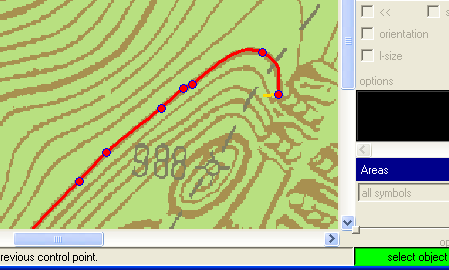
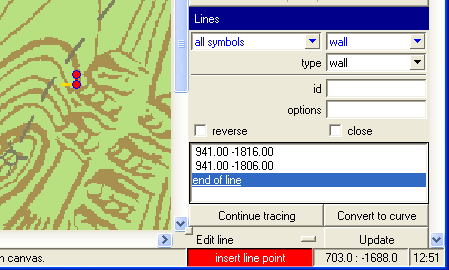
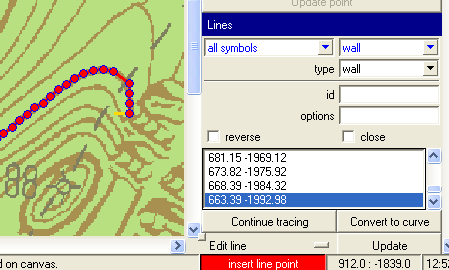
I am afraid, there are no instructions :( I needed it to convert raster surface contours to vector data, to be able to generate 3D model. You need to load a background image. Then - on a raster line - add firt two points of line, their distance defines tracing step. Like this: [image: Inline images 2] Then click continue tracing and this is the result. [image: Inline images 3] You can then convert this line to bezier curve. [image: Inline images 4] HTH, S. P.S. Ad Inkscape - I have been playing a lot with raster -> vector features of Inkscape, but ended with programming my own digitalization tool in xtherion. Inkscape was not designed to be used this way. On 7 June 2012 02:42, Bruce <bruce@tomo.co.nz> wrote:
Are there any instructions regarding Xtherion’s ‘trace line’ and ‘convert to curve’ line editing features?****
I expect there are – just cannot find them.****
** **
The ‘convert to curve’ seems to take a line with straight segments and converts it to a smooth curve, so perhaps not so complicated.****
I have not been able to get any useful insights after playing with ‘trace line’, except that it adds two buttons to the interface.****
** **
Thanks****
Bruce****
** **
** **
_______________________________________________ Therion mailing list Therion@speleo.sk http://mailman.speleo.sk/mailman/listinfo/therion